


Quick Answer
A business texting service is a software service that allows a business to send and receive SMS messages with customers using a business phone number. Depending on the service and phone number, businesses can manage conversations from a computer or mobile device while continuing to use their existing number for phone calls.
A business texting service can provide features such as:
- Two-way SMS messaging
- MMS and picture messaging
- Shared inboxes
- Multiple employee access
- Message templates
- Auto-replies
- Scheduled messages
- Customer conversation history
- Team collaboration
- Bulk alerts and announcements
The biggest advantage for many businesses is that customers can communicate with the company by text without the business having to rely on an employee's personal cell phone.
If you already have a business landline or VoIP number, you may also be able to add texting to that existing number instead of getting a separate texting number.
What Is a Business Texting Service?
A business texting service is a platform that lets businesses use SMS text messaging to communicate with customers.
Instead of sending customer messages from an employee's personal phone, the business uses a dedicated texting platform to manage conversations.
A typical setup looks like this:
Customer's phone → SMS → Business phone number → Business texting service → Business computer or mobile device
From the customer's perspective, it works like regular texting.
They enter your business phone number, send a message, and wait for your response.
The difference is what happens on the business side.
Instead of the message going to someone's personal cell phone, it can appear in a business texting inbox where authorized employees can manage the conversation.
That makes business texting much more practical for companies that have multiple employees or receive a steady stream of customer messages.
Why Would a Business Need a Texting Service?
You might be thinking:
"Why can't I just give customers my cell phone number?"
You can, but that doesn't necessarily make it a good long-term business communication system.
A personal phone can work when one person handles everything.
But what happens when:
- Another employee needs to respond?
- The employee is on vacation?
- The employee leaves the company?
- A customer needs help from another department?
- Several customers text at the same time?
- You need a record of previous conversations?
Suddenly, that simple cell phone starts looking a lot less simple.
A business texting service keeps customer communication connected to the business rather than one employee.
Customers text the business.
The business manages the conversation.
That distinction becomes more important as the company grows.
Can You Use Your Existing Business Phone Number?
Yes. Many eligible business landline and VoIP numbers can be used for business texting without changing the number.
This is one of the biggest reasons businesses use a business texting service.
Your existing phone number may already be:
- On your website
- On your Google Business Profile
- On business cards
- On vehicles
- On signs
- On invoices
- In advertisements
- In online directories
- Saved in customer contacts
Getting a completely new texting number means customers now have to remember two numbers.
If your existing number is eligible, text-enabling it can make things much simpler.
Call or text: 555-123-4567
That's easier than:
Call: 555-123-4567
Text: 555-987-6543
With Texty Pro, eligible business landline and VoIP numbers in the U.S. and Canada can be text-enabled while continuing to be used for phone calls.
For more information, see How to Text From a Business Phone Number Without Changing Your Number.
How Does Business Text Messaging Work?
Business text messaging works by connecting a business phone number to a platform that can send and receive SMS.
The general process is:
1. Choose a business texting service
The service should support the type of business phone number you want to use.
2. Check your phone number
Your existing landline or VoIP number may be eligible for text-enabling.
3. Verify the number
The service needs to verify that you control the number and that it meets the applicable requirements.
4. Enable texting
Once the number is approved, SMS capabilities can be added to the number.
5. Start texting customers
Your team can then send and receive messages through the business texting platform.
The customer doesn't need to know how any of this works.
They simply text your business number.
Can Customers Text a Business Phone Number?
Yes, if the business number has been properly enabled for SMS.
Customers generally don't need to download a special app.
They can use the normal messaging application on their phone.
For example:
Customer: Hi, do you have an appointment available tomorrow?
Business: Yes, we have 10 AM and 2 PM available.
Customer: I'll take 2 PM.
That's business texting in its simplest form.
The customer uses the same type of messaging experience they already use to text friends and family.
The business receives the conversation through its business texting platform.
Can You Text From a Landline With a Business Texting Service?
Yes. An eligible business landline can be text-enabled through a compatible texting service.
Traditional landlines were designed primarily for voice calls, so they don't automatically have an SMS inbox.
Text-enabling adds the messaging capability through software.
The physical phone can continue handling calls while the texting platform handles SMS.
This means a business doesn't necessarily have to replace a long-standing landline just because customers want to text.
If you're specifically interested in landline texting, see Can a Landline Receive Text Messages?.
Can You Text From a VoIP Number?
Yes. An eligible business VoIP number can be used for SMS through a compatible business texting service.
Many VoIP providers are primarily focused on voice service. If the provider does not offer its own SMS service, the number may be able to connect to an outside business texting platform.
However, eligibility can depend on the specific provider, number, and service configuration.
Some VoIP providers include their own texting service and may not allow voice and messaging functions to be separated.
So don't assume that every VoIP number works with every texting service.
For a more detailed explanation, see Can You Text a VoIP Number? How to Send and Receive SMS From VoIP.
Can You Send Business Texts From a Computer?
Yes.
One of the main reasons businesses use a business texting service is to let employees send and receive customer messages from a computer.
Instead of typing everything on a smartphone, employees can use a web-based texting platform.
The basic process is:
- Log into the business texting platform.
- Open a customer conversation.
- Type the message.
- Send the message.
- Receive the customer's response in the same conversation.
This can be particularly useful for businesses that receive a lot of customer communication.
Typing a 400-word explanation on a phone isn't exactly anyone's idea of a good afternoon.
For more information, see How to Receive Customer Texts at Your Business.
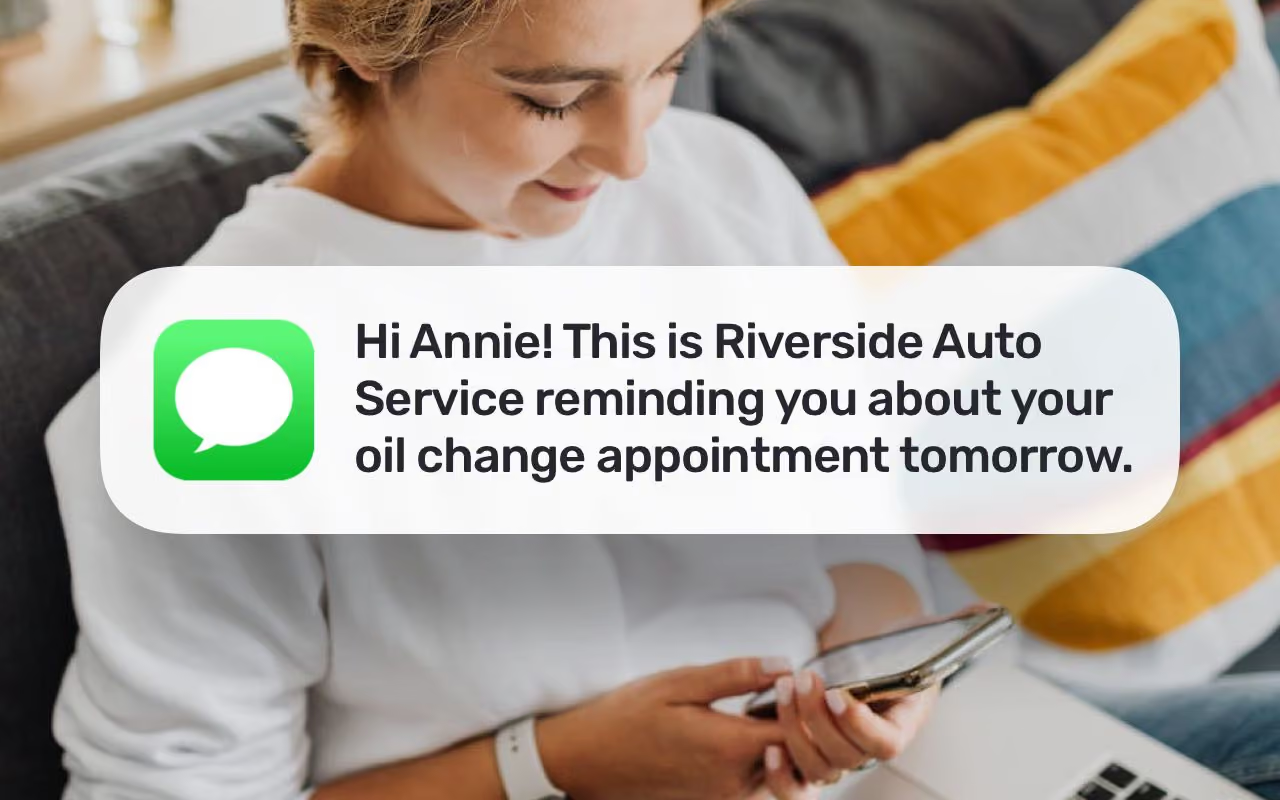
Can You Send Business Texts From a Mobile Device?
Yes. Many business texting services also provide mobile access.
This allows employees to manage customer conversations when they aren't sitting at a computer.
A contractor can respond from a job site.
A salesperson can follow up with a lead between appointments.
A business owner can check messages while away from the office.
The important difference is that the employee can communicate through the business texting platform instead of giving customers a personal cell phone number.
Can Multiple Employees Use the Same Business Texting Number?
Yes. Many business texting platforms support multiple employees using the same business number.
This is commonly handled through a shared inbox.
For example, a customer sends:
"Can I reschedule my appointment?"
Instead of the message sitting on one employee's personal phone, authorized members of the team can access the conversation.
Depending on the platform, employees may be able to:
- Assign conversations
- Leave internal notes
- See conversation history
- Respond to customers
- Collaborate with other team members
- Manage multiple conversations from one inbox
This can make a big difference for businesses where customer communication is handled by more than one person.
What Features Should You Look For in a Business Texting Service?
Sending SMS is the basic requirement.
But once customer conversations start increasing, businesses usually need more than a box where they can type a text.
Here are some features worth considering.
Shared Inbox
A shared inbox lets multiple employees access business conversations.
This prevents customer messages from being trapped on one person's personal phone.
It also makes it easier for a team to respond when the original employee isn't available.
Team Collaboration
If several employees handle customer communication, team collaboration features can help employees manage conversations without stepping on each other's toes.
A customer shouldn't have to explain the same problem three times just because the employee they originally contacted is out of the office.
Message Templates
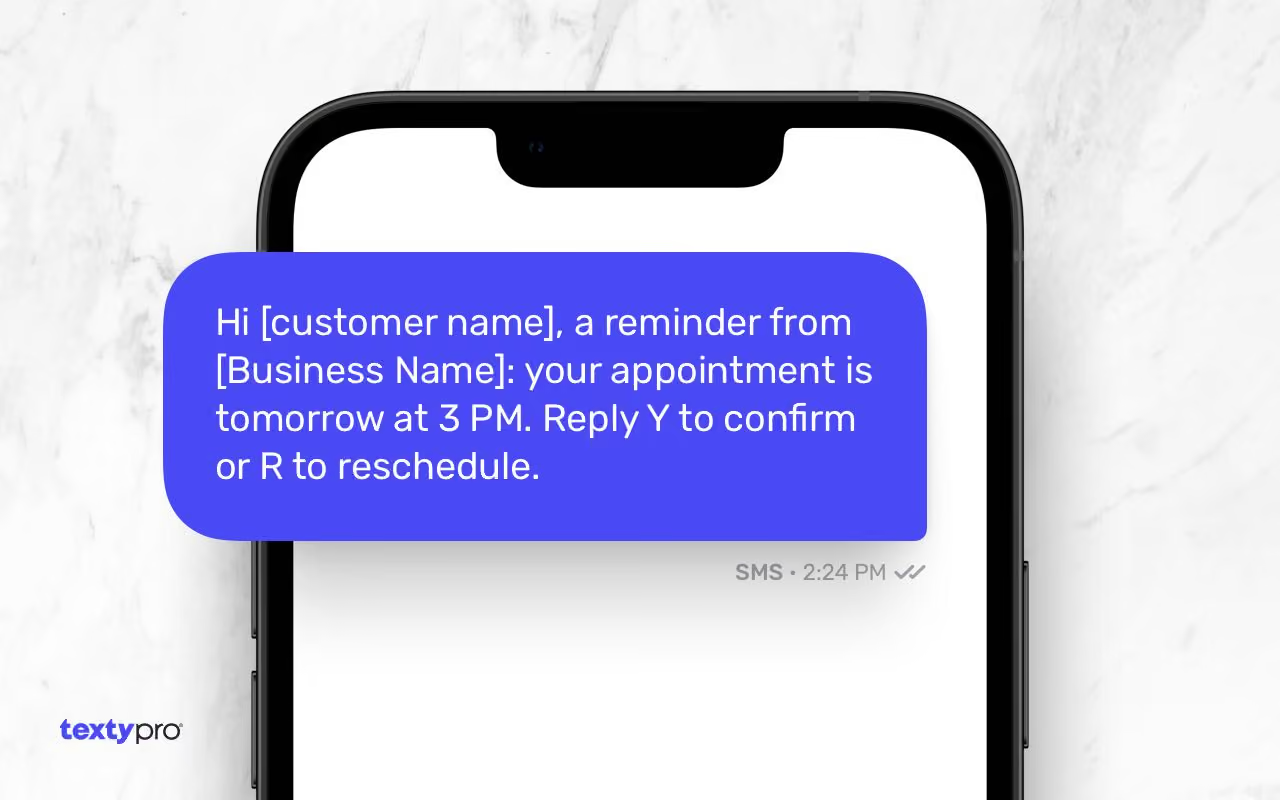
Templates can save time when your team sends similar messages repeatedly.
Common examples include:
- Appointment confirmations
- Appointment reminders
- Estimate follow-ups
- Service notifications
- Customer updates
- Common support responses
Templates don't mean every customer has to receive a robotic message.
They simply give employees a starting point.
Auto-Replies
Auto-replies can let customers know that their message was received when your team isn't available.
For example:
"Thanks for contacting us. Our office is currently closed. We'll respond during normal business hours."
That is better than making a customer wonder whether their text disappeared into the internet.
Scheduled Messages
Scheduled messaging lets businesses prepare a message in advance and send it at a specific time.
This can be useful for:
- Appointment reminders
- Follow-ups
- Scheduled notifications
- Customer updates
SMS and MMS
SMS handles standard text messages.
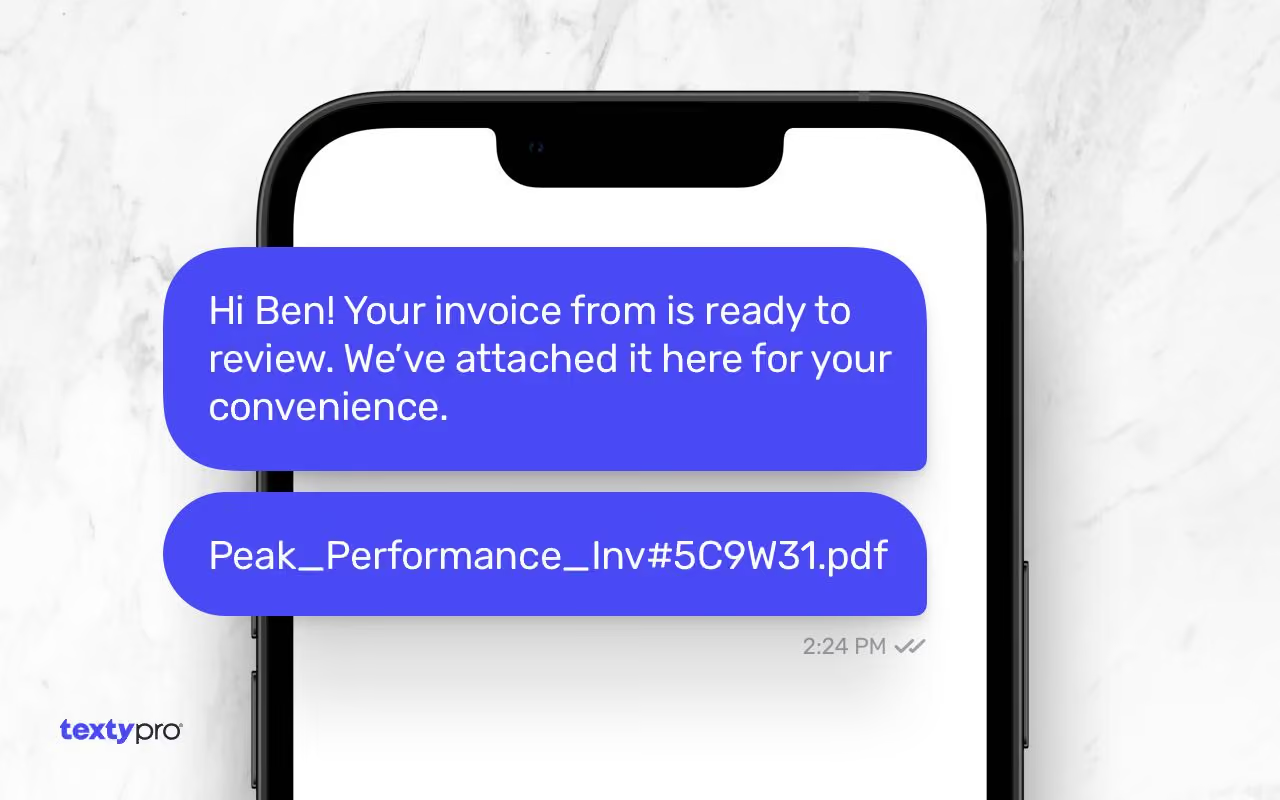
MMS can allow businesses and customers to exchange supported images and other media.
This can be useful for businesses where a picture is easier than a paragraph.
A contractor might ask a customer to send a photo of a damaged fixture.
A property manager might request a picture of a maintenance issue.
An auto repair business could exchange an image related to a vehicle.
Texty Pro supports SMS and MMS for supported business numbers.
Bulk Messaging, Alerts, and Announcements
Some businesses also need to send the same message to multiple customers.
Bulk messaging can be useful for legitimate business alerts and announcements, such as:
- Service interruptions
- Schedule changes
- Business closures
- Event announcements
- Important customer notifications
It can also be useful when a business needs to communicate the same information to a group of customers instead of sending the message one conversation at a time.
However, bulk business messaging comes with additional requirements.
Businesses may need to complete business messaging registration before sending certain types of application-to-person (A2P) messages. Registration can involve a one-time registration cost and approval process.
There can also be carrier fees and messaging fees associated with sending these messages. Depending on the SMS provider, these may be a monthly recurring fee, usage-based charges, or both.
The exact requirements and costs depend on the provider, messaging use case, registration type, and carriers involved.
So if bulk messaging is important to your business, don't just compare the advertised monthly subscription price.
Check the additional registration, carrier, and messaging costs too.
What Can Businesses Use Text Messaging For?
Business texting can be used for much more than answering customer questions.
Common uses include:
- Appointment scheduling
- Appointment confirmations
- Appointment reminders
- Sales follow-ups
- Estimate follow-ups
- Customer support
- Order updates
- Service notifications
- Delivery updates
- Recruiting
- Customer feedback
- Review requests
- Business alerts
- General customer communication
For example, a plumbing company might text a customer when the technician is on the way.
An auto repair shop could send a message when a vehicle is ready.
A real estate agent could send showing information.
A contractor could follow up on an estimate.
The customer can reply directly instead of calling the office.
Business Texting vs. Using a Personal Cell Phone
Using a personal cell phone can seem like the easiest way to start.
For a very small business where one person handles every customer interaction, it may work.
But there are several potential problems.
Customer conversations can become tied to one employee.
Other employees may not have access to the messages.
Business communication can continue after working hours.
Customer information can remain on a personal device.
And if the employee leaves the business, transferring those conversations can become complicated.
A business texting service separates customer communication from an employee's personal phone.
The business owns the communication channel.
The team can manage it.
And customers can continue texting the business even when one employee isn't available.
Business Texting Service vs. a Separate Texting Number
A separate texting number isn't necessarily wrong.
Some businesses may prefer one.
But if your existing business number is eligible for texting, keeping one number can be simpler.
Compare:
Call: 555-123-4567
Text: 555-987-6543
with:
Call or text: 555-123-4567
The second option is easier to explain to customers.
It also means you don't have to update your business phone number everywhere.
For businesses that have spent years building recognition around their existing number, that can be a significant advantage.
What Type of Business Phone Number Can You Use?
The answer depends on the texting service.
Some services provide new texting numbers.
Others allow businesses to connect existing numbers.
With Texty Pro, supported business landline and VoIP numbers in the U.S. and Canada can be text-enabled, subject to eligibility and compliance requirements.
Certain number types and services may not be supported.
For that reason, it's better to check your specific number instead of assuming that every phone number can be used with every business texting service.
You can learn more about which phone numbers Texty Pro supports.
What Does a Business Texting Service Cost?
The cost of a business texting service can vary significantly depending on the provider and the features included.
When comparing services, don't look only at the monthly subscription.
Consider whether the provider charges separately for:
- Number registration
- Business messaging registration
- Carrier fees
- Message usage
- MMS
- Additional users
- Additional phone numbers
- Bulk messaging
- Premium features
A service that appears cheaper at first may have additional fees depending on how your business uses it.
If you're comparing business texting services, make sure you're comparing the total cost for the features and message volume your business actually needs.
Is Business Texting the Same as SMS Marketing?
Not necessarily.
Business texting is a broad category that includes two-way customer conversations and business communications.
SMS marketing is generally focused on promotional or marketing messages.
For example:
Business texting:
"Hi John, your vehicle is ready for pickup."
SMS marketing:
"Save 20% this weekend when you book your next service."
Both use text messaging, but the purpose and compliance requirements can be different.
A business texting service may support both types of communication, depending on the provider and the messaging use case.
Businesses should make sure they understand the applicable consent and messaging requirements before sending marketing texts.
What About Texting Compliance?
Businesses should treat SMS as a real customer communication channel, not simply another advertising outlet.
Depending on the type of message and the recipient, businesses may need to consider applicable laws, carrier requirements, consent requirements, opt-out processes, and other messaging rules.
Before sending business texts, consider:
- Whether the customer has provided appropriate consent
- What type of message you're sending
- Whether the message is transactional or promotional
- How frequently you're contacting customers
- How customers can opt out
- Whether additional registration is required
- Whether carrier requirements apply
Requirements can vary based on the type of messaging and where the recipient is located.
For more information, see How to Get Consent to Send Text Messages to Customers.

How Do You Choose a Business Texting Service?
Start with the way your business actually communicates.
Ask yourself:
Do you want to keep your existing business number?
If yes, look for a service that supports your existing landline or VoIP number.
Do multiple employees need access?
Look for shared inbox and team collaboration features.
Do you need to text from a computer?
Make sure the service provides a browser-based texting platform.
Do employees need mobile access?
Look for a mobile application or mobile-friendly platform.
Do customers send pictures?
Make sure MMS is supported.
Do you need templates and automation?
Look for message templates, auto-replies, scheduling, and other workflow features.
Do you plan to send bulk messages?
Check the provider's registration requirements, carrier fees, message costs, and compliance requirements before signing up.
Do you need to keep phone calls on the same number?
Make sure text-enabling the number doesn't require you to replace your existing voice service.
These questions can quickly narrow down which type of business texting service makes sense for your company.
Why Use Texty Pro for Business Texting?
Texty Pro is designed for businesses that want to communicate with customers by text while using a business phone number.
Eligible business landline and VoIP numbers in the U.S. and Canada can be text-enabled, allowing businesses to continue using the number for phone calls while adding SMS and MMS messaging.
Businesses can manage conversations through computers and mobile devices, making it possible for teams to communicate with customers without relying on personal cell phones.
Texty Pro also provides business texting features such as shared conversations, templates, auto-replies, scheduled messages, and other tools designed to help businesses manage customer communication.
You can learn more about Texty Pro's business text messaging service.
Frequently Asked Questions About Business Texting Services
What is a business texting service?
A business texting service is a platform that allows businesses to send and receive SMS messages with customers using a business phone number.
How does business texting work?
A business texting service connects an eligible business phone number to a messaging platform. Customers can send texts to the number, while employees manage conversations through a computer, browser, or mobile device.
Can I use my existing business phone number for texting?
Yes. Many eligible business landline and VoIP numbers can be text-enabled instead of replacing the existing number.
Can I text from a landline?
Yes. An eligible business landline can be text-enabled through a compatible business texting service.
Can I text from a VoIP number?
Yes. An eligible business VoIP number can be used for SMS through a compatible texting service.
Can customers text my business?
Yes. Once an eligible business number has been text-enabled, customers can generally send messages to it using their normal messaging app.
Can multiple employees use the same business texting number?
Many business texting platforms support multiple employees through shared inboxes and team features.
Can I receive business texts on my computer?
Yes. Business texting services can provide a browser-based inbox where employees can send and receive customer messages from a computer.
Can I text customers from a mobile device?
Yes. Depending on the service, employees can manage business conversations through a mobile application.
Can a business texting service send pictures?
Many business texting services support MMS, allowing businesses and customers to exchange supported images and other media.
Can businesses send bulk text messages?
Some business texting services support bulk messaging for appropriate business alerts and announcements. Additional registration, carrier requirements, messaging fees, and compliance requirements may apply.
Do business texting services require a new phone number?
Not necessarily. Some services allow businesses to text-enable an existing eligible landline or VoIP number.
Can I use my personal cell phone number with a business texting service?
A mobile number can be used for texting through its mobile provider, but personal mobile numbers generally cannot be text-enabled through an outside business texting service like an existing business landline or VoIP number can.
What features should a business texting service have?
Useful features can include shared inboxes, team access, templates, auto-replies, scheduling, SMS, MMS, conversation history, mobile access, and bulk messaging capabilities.
How much does a business texting service cost?
Pricing varies by provider. Businesses should consider subscription costs as well as potential registration, carrier, message usage, MMS, additional user, and other fees.
So, Is a Business Texting Service Worth It?
For businesses that regularly communicate with customers, a business texting service can provide a more organized way to send and receive SMS without relying on personal cell phones.
The biggest advantage is not simply being able to send a text.
It's being able to manage customer conversations as part of your business.
Customers can text a number they already know.
Employees can respond from a computer or mobile device.
Teams can share conversations.
Businesses can use templates, auto-replies, scheduling, MMS, and other features to make communication easier.
And if your existing business landline or VoIP number is eligible, you may not need to change your phone number at all.
If customers are already asking, "Can I text you?", a business texting service gives you a way to answer that question with something better than, "Sure, here's my personal cell."
Learn more about Texty Pro's business text messaging service.


